Tools
Mullvad Browser
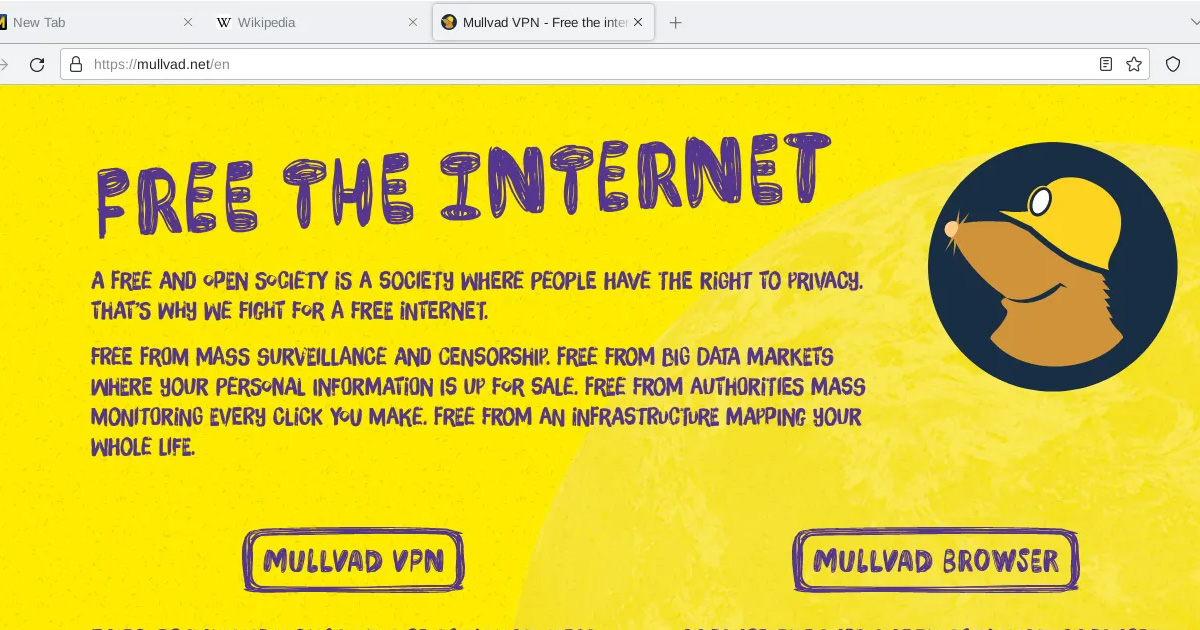
Mullvad Browser is a web browser built by Mullvad and the Tor Project to reduce browser fingerprinting and tracking, without routing your traffic through the Tor network.
Why it matters
A VPN hides your IP address. But IP address is only one way websites track and identify you. The browser itself leaks a surprising amount of information, your screen size, installed fonts, graphics rendering, plugin list, timezone, and dozens of other signals that can be combined into a fingerprint that identifies your specific browser, even across different IP addresses.
Mullvad Browser is built to make all its users look the same to the websites they visit. Rather than trying to hide your fingerprint, it works to make your fingerprint indistinguishable from every other Mullvad Browser user. It's a crowd-anonymity model, you're hard to identify because you look like everyone else using the same browser.
What Mullvad Browser helps with
- Blocking third-party trackers and advertising scripts (via built-in uBlock Origin)
- Reducing browser fingerprinting through letterboxing and standardised settings
- Preventing cross-site tracking via cookie isolation, sites in the same session can't share tracking cookies
- Running in private mode by default with no history or cookies saved between sessions
- Providing a browser that doesn't phone home, no telemetry sent to Mullvad
What Mullvad Browser does not do
It does not hide your IP address. You'll need a VPN or Tor for that. Mullvad Browser is designed to be used alongside Mullvad VPN, but it works with any VPN or without one.
It does not anonymise your traffic. It targets the browser fingerprinting problem specifically. It doesn't route through multiple servers or otherwise obscure who you are at the network level.
It does not prevent you from identifying yourself. If you log into accounts, those accounts know who you are regardless of fingerprint protection.
It is not as hardened as Tor Browser. Tor Browser has additional restrictions and modifications designed for strong anonymity. Mullvad Browser trades some of that strictness for usability.
Tradeoffs to be aware of
Private mode by default means nothing is saved between sessions. Bookmarks, saved passwords, and session state don't persist unless you specifically configure them to.
Some websites behave unexpectedly with fingerprinting resistance enabled. Letterboxing (which standardises window sizes) can occasionally affect layout. Most sites work normally.
Mullvad Browser is available on Windows, macOS, and Linux. There's no mobile version.
The browser ships with uBlock Origin included and configured. Resist the urge to add other extensions, additional extensions can make your browser fingerprint more distinctive, which defeats part of the purpose.
Practical guidance
Download Mullvad Browser from the official site, mullvad.net/browser
Use it alongside a VPN if IP address privacy also matters for your use case. The combination covers two separate tracking vectors, IP address (VPN) and browser fingerprint (Mullvad Browser).
Don't install additional extensions. The pre-configured state is what makes all users look the same. Changing it distinguishes you from the crowd.
Use Tor Browser instead if you need the full anonymity model, onion routing, no VPN required, maximum hardening. Mullvad Browser is the right choice when you want to stay within a conventional browsing experience with meaningful fingerprint protections.
Going deeper
How fingerprinting works. Websites can run JavaScript that reads your browser's properties, screen resolution, colour depth, canvas rendering behaviour, available fonts, installed plugins, and much more. Each individual signal is common, but the combination of all signals tends to be unique to a specific browser on a specific device. This profile persists across IP changes and private mode sessions.
Letterboxing. Tor Browser and Mullvad Browser both use letterboxing, rather than showing the browser window at its actual size, the page content is displayed in a standardised inner area with grey borders. This prevents websites from reading your exact window dimensions as a fingerprinting signal.
Cookie isolation. Third-party cookies are scoped so that a tracker embedded on one site can't access the same cookie when it appears on another site. This breaks the tracking mechanism that follows you across the web.
The Tor Project's involvement. Mullvad Browser was developed in collaboration with the Tor Project, which has spent years hardening browsers against fingerprinting for Tor Browser. Many of those protections carry over into Mullvad Browser.
Foldy tip
Mullvad Browser is built around blending in with the crowd, not standing out.
Related pages
 Mullvad VPN, the VPN service Mullvad Browser is designed to pair with
 Tor, stronger anonymity for situations that require it
 Brave, another privacy-focused browser with different tradeoffs
 Firefox, configurable privacy with manual hardening required
 VPNs explained, the network privacy layer Mullvad Browser doesn't provide on its own