Tools
Brave
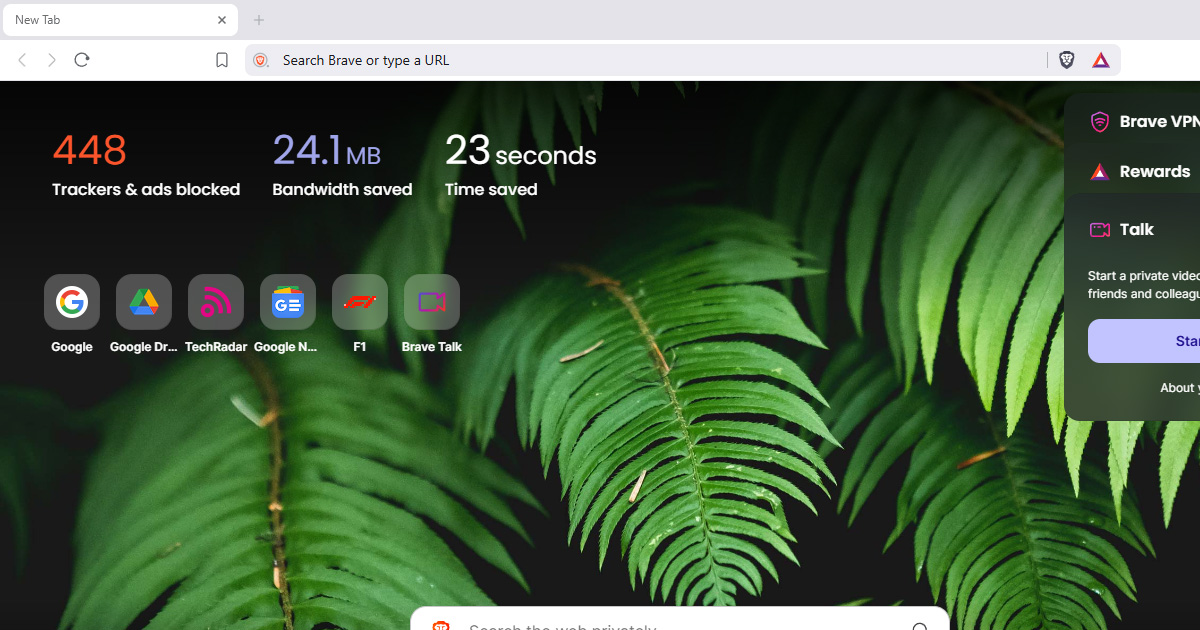
Brave is a web browser built on Chromium that includes privacy protections by default, ad blocking, tracker blocking, and fingerprint resistance, without needing extensions.
Why it matters
Most browsers, including Chrome and Edge, are built by companies whose revenue depends on advertising and tracking. Privacy protections, when available at all, are opt-in. By the time you've configured a standard browser to block trackers, you've done significant work that most people never do.
Brave ships with those protections already on. For people who want a browser that handles the majority of everyday tracking automatically, without requiring technical configuration, Brave is a strong starting point.
What Brave helps with
- Blocking third-party trackers and advertising scripts automatically (Brave Shields)
- Removing tracking parameters from URLs, the extra information appended to links that identifies where you came from
- Fingerprint resistance, Brave includes protections against browser fingerprinting, a technique websites use to identify your specific browser without cookies
- Cookie isolation, third-party cookies are partitioned so trackers can't follow you across sites
- Bounce tracking protection, when sites redirect you through intermediaries to track your movement, Brave interrupts this
- Built-in ad blocking with no extension required
- Private window mode with Tor routing, Brave offers a special private window that routes traffic through the Tor network for additional anonymity
What Brave does not do
It does not make you anonymous. Brave protects against tracking, but you're still identifiable by your IP address, by accounts you log into, and by fingerprinting that evades its protections.
It does not remove your need for a VPN if IP privacy matters. Brave hides some signals but not your network-level identity.
The Tor integration is limited. Brave's "Private window with Tor" uses the Tor network for routing, but it's not the same as Tor Browser. The hardening, fingerprint resistance, and configuration that make Tor Browser safe for anonymity are absent. Don't use Brave's Tor feature for situations where Tor Browser would be the right tool.
Brave has its own advertising system. Brave Rewards is a voluntary programme where users can opt in to see Brave-served ads and earn BAT cryptocurrency. This is separate from Shields, is opt-in, and doesn't affect the tracking protections. But it's worth understanding that Brave's business model includes its own advertising layer.
Telemetry. Brave uses Privacy-Preserving Product Analytics, aggregated usage data that doesn't identify individual users. This is more privacy-respecting than Chrome's approach, but there is some data collection.
Tradeoffs to be aware of
Brave is Chromium-based. This is good for compatibility, most sites work reliably, but it means Brave's rendering engine is controlled upstream by Google. Some privacy advocates prefer Firefox-based browsers to avoid concentrating browser engine influence with Google.
Brave Shields can occasionally break websites that depend on the things it blocks. This is less common than it used to be, and you can lower the shield level for specific sites without affecting others.
Brave's defaults are strong compared to most browsers, but not as hardened as Tor Browser or Mullvad Browser. For everyday browsing, it's well above average. For situations requiring strong anonymity, it's not the right tool.
Practical guidance
Download Brave from the official site, brave.com
Shields are on by default. Leave them there. If a site breaks, you can click the shield icon and lower the protection for that specific site rather than disabling it globally.
Don't install many browser extensions. Each extension increases your fingerprint and adds potential attack surface. Brave's built-in protections replace most extension needs.
Brave's Tor window is fine for casual browsing where IP exposure is a concern, but isn't a substitute for Tor Browser when anonymity genuinely matters.
If you want stronger fingerprint resistance and don't mind a more restrictive browsing experience, consider Mullvad Browser. If you want anonymity rather than just privacy, use Tor Browser.
Going deeper
Brave Shields layers. Shields operates at three levels, basic ad and tracker blocking, advanced protections including fingerprint resistance and storage partitioning, and policy commitments around data minimisation. The advanced protections happen automatically inside Chromium without requiring user action.
Storage partitioning. Web storage (localStorage, IndexedDB, etc.) is isolated per site, so a tracker can't use storage set on one site to identify you on another. This closes a tracking vector that even some ad blockers miss.
DeAMPing. Google's AMP (Accelerated Mobile Pages) format serves pages through Google's infrastructure, giving Google visibility into which articles you read even on external publisher sites. Brave automatically redirects AMP links to the original publisher URL, removing Google as a middleman.
The Chromium question. Brave removes many of Chrome's privacy-problematic features and redirects some Google service communications through Brave's own servers. However, the underlying engine is still Chromium. Firefox offers an alternative for those who prefer not to use a Google-developed engine.
Foldy tip
Brave's defaults do a lot of the work for you. A good starting point for most people.
Related pages
 Mullvad Browser, stronger fingerprint resistance in a similar everyday-browser form
 Firefox, a Firefox-based alternative with different defaults
 Tor, for situations where anonymity rather than everyday privacy is the goal
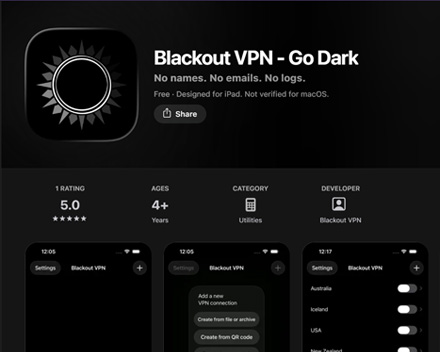 VPNs explained, the network privacy layer that a browser alone doesn't provide