Guides
Reducing email exposure
Email is one of the most privacy-leaky parts of most people's digital lives. Your email address is attached to every account you've ever created. Your inbox is likely scanned for advertising purposes. Your address gets shared, sold, and leaked in breaches you may not know about.
The two layers
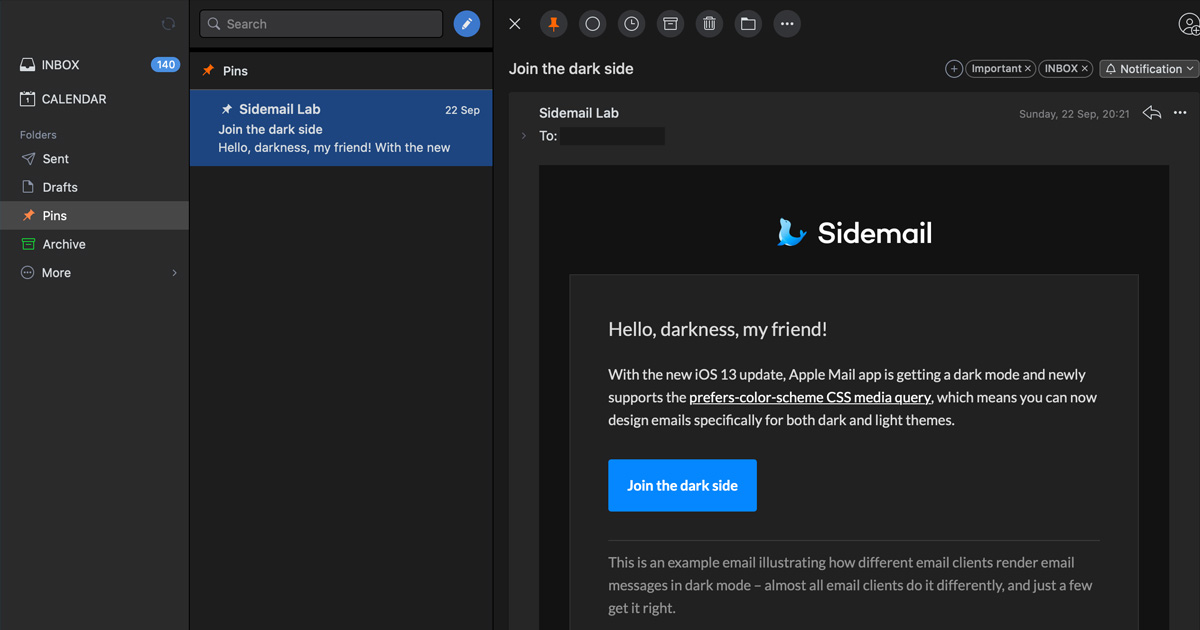
Email provider. Who stores and handles your email? Gmail reads your messages to inform advertising. A provider like Proton Mail encrypts your messages so even they can't read them.
Email aliases. What address do you give to services? If you give every service your real address, any breach or data sale exposes it. Aliases give each service a separate address, you can cut any one off without affecting others.
These layers are independent. You can use aliases with your existing Gmail account. You can switch to Proton Mail without using aliases. Both together provide more protection than either alone.
Approach 1: Switch your email provider
What this solves
- Your email content being scanned by the provider
- Messages being readable if the provider's servers are accessed
- Legal access to your email under a jurisdiction you don't trust
Proton Mail
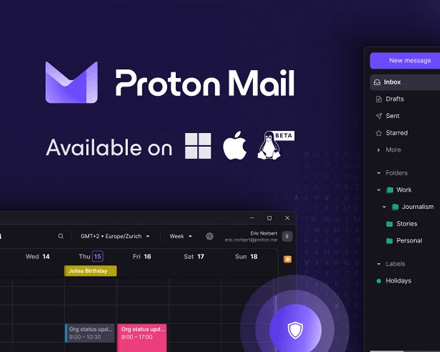
Proton Mail is based in Switzerland and uses end-to-end encryption for messages between Proton users. For incoming messages from other providers, it encrypts them with your key as they arrive, so even Proton can't read stored messages.
Getting started
- Go to proton.me and create a free account, no phone number required, though the free tier may ask for verification
- Enable two-factor authentication immediately after creating your account (Settings → Security → Two-factor authentication)
- If metadata privacy matters, create the account through Tor Browser to avoid Proton logging your registration IP
Using your new address
You don't have to move everything at once. Start by using your Proton address for new accounts going forward. Over time, update the most important existing accounts (banking, services you care about keeping private) to use the new address.
Understand the limits
End-to-end encryption in Proton Mail only fully applies to email between Proton users. Email to Gmail, Outlook, or other providers is encrypted in transit (TLS) but readable at the destination. This is an inherent limitation of how email works, not a flaw specific to Proton.
For email to non-Proton users where privacy matters, Proton's password-protected email feature lets you send an encrypted message with a shared password. The recipient opens it in their browser.
Approach 2: Use email aliases
What this solves
- Your real email address being exposed in breaches
- Spam following you after a service sells your address
- Advertisers or data brokers linking your activity across services
- Not being able to identify which service leaked your address
SimpleLogin
SimpleLogin is an email aliasing service based in Switzerland. You create aliases, each one forwards to your real inbox. Services never see your real address.
Getting started
- Go to simplelogin.io and create a free account (or connect it to a Proton account if you use one)
- Install the browser extension for Firefox or Chrome, this lets you create aliases directly from signup forms without leaving the page
- Create your first alias and test it by sending yourself an email
The workflow
When you sign up for anything, use a new alias instead of your real address
- Click the SimpleLogin extension
- Create an alias (or let it generate one automatically)
- Use that alias in the signup form
Replies you send from aliases go through SimpleLogin's reverse alias system, the recipient sees your alias address, never your real one.
Free tier limits
The free tier includes a limited number of aliases per day. Unlimited aliases require a paid plan (a few euros per month, or included with Proton Pass subscriptions).
Using it without changing your email
SimpleLogin works with any inbox, including Gmail. You don't need to switch email providers to start using aliases. The aliases forward to wherever you currently receive email.
Approach 3: Both together
Using Proton Mail and SimpleLogin together gives you
- A private inbox that even the provider can't read
- A separate address for every service, none of which point to your real Proton address
- Easy alias management, disable a leaking alias without touching your main inbox
- The ability to receive and reply to email from aliases, all forwarded through Proton
The integration between the two is built in, Proton and SimpleLogin are from the same organisation, and they work smoothly together.
What email privacy doesn't fix
Metadata. Even with Proton Mail and aliases, email metadata, who you email, when, subject lines, is visible to the network and may be retained by providers. Email is a fundamentally metadata-rich protocol. If metadata is the concern, see the Metadata page.
The other side. If your contact uses Gmail, Google still receives and stores that email on their end. Proton can only control what happens in your inbox.
Existing exposure. Switching email providers doesn't undo data already collected about you or breaches that already happened. Going forward, new accounts get better protection. Existing accounts can be updated gradually.
Email is not Signal. For conversations where content privacy genuinely matters, a messaging app like Signal is a better tool. Email is a practical necessity, but it's not designed for confidential communication.

Foldy tip
Email was never designed with privacy in mind. That is not your fault, but it is worth knowing.
Related pages
 Proton Mail
 SimpleLogin
 Metadata
 Signal, for conversations where email isn't the right tool
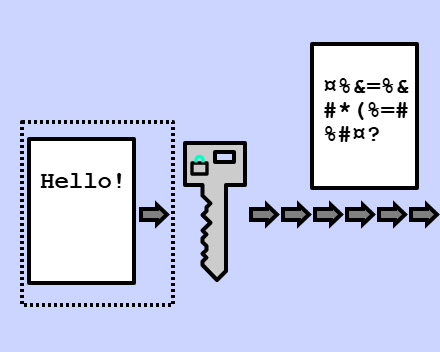 Encryption, what email encryption does and doesn't cover