Tools
Bitwarden
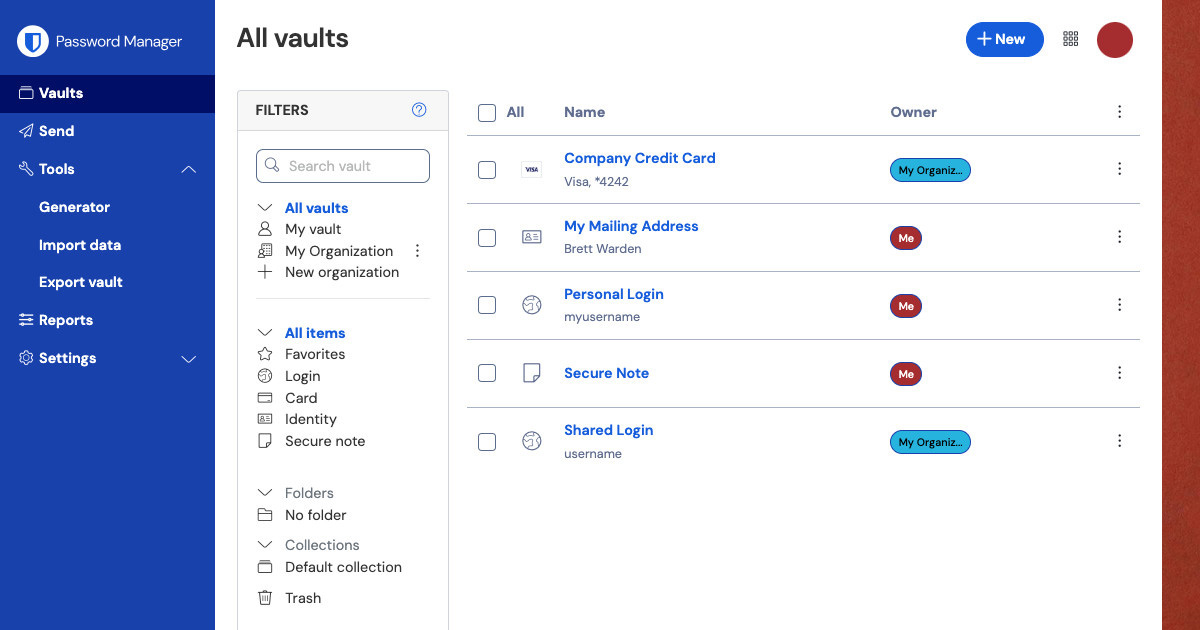
Bitwarden is an open-source password manager that stores your passwords in an encrypted vault, synced across your devices. It's designed to make using strong, unique passwords practical for everyone.
Why it matters
Password reuse is one of the most common and consequential security mistakes people make. When a site you use gets breached, your username and password leak. If you used that same password on other sites, which most people do, attackers can try it everywhere. This is called credential stuffing, and it works at scale.
A password manager solves this by making it practical to use a different, randomly generated password for every account. You only need to remember one strong master password. The manager handles everything else.
Bitwarden is one of the most recommended options because its code is open source (anyone can inspect it), it has been independently audited, and it works across all major platforms. A useful free tier exists for individuals.
What Bitwarden helps with
- Storing unique, randomly generated passwords for every account, so a breach of one site doesn't affect others
- Auto-filling login credentials in your browser so you don't have to type or copy passwords
- Generating strong passwords using the built-in password generator
- Storing other sensitive information, credit cards, identity documents, secure notes, API keys
- Syncing your vault across devices, desktop, mobile, and browser extension
- Sharing credentials with family members or teams through Bitwarden's organisation features
- Importing existing passwords from other managers or browsers
What Bitwarden does not do
It does not protect you if your master password is weak. The master password is the key to everything. If it's guessable or reused somewhere else, the protection is undermined. Your master password should be strong and unique.
It does not protect you if your device is compromised. If malware on your device can capture keystrokes or access memory while Bitwarden is unlocked, the passwords can be extracted regardless of how the vault is encrypted.
It does not replace two-factor authentication. A strong unique password is necessary. Two-factor authentication (2FA) is an additional layer that means a stolen password alone isn't enough to access your account. Bitwarden supports 2FA on the vault itself, and the premium tier includes an integrated TOTP authenticator for your other accounts.
The cloud sync is trust in Bitwarden's servers. Bitwarden encrypts your vault before sending it to their servers, so they can't read it. But using cloud sync means relying on their infrastructure remaining secure. Self-hosting is available for those who want full control.
Tradeoffs to be aware of
Bitwarden stores your vault in the cloud by default. This sync enables access across devices but means your encrypted vault exists on Bitwarden's servers. The vault is encrypted with your master password before it leaves your device, Bitwarden can't read it, but the encrypted data is held by a third party.
The free tier is generous and covers most individual needs. The premium tier ($10/year) adds TOTP support, emergency access, security reports, and encrypted file attachments.
Self-hosting Bitwarden requires running a server. For most users this isn't necessary, but it's an option for people who want to keep their vault entirely off third-party infrastructure.
Practical guidance
Download Bitwarden from bitwarden.com or your device's app store.
Install the browser extension, this is what enables auto-fill on websites. The web vault and extension work together.
Choose a strong master password you don't use anywhere else. Write it down and store it somewhere physically secure, not digitally. If you forget it, Bitwarden cannot recover your vault.
Enable two-factor authentication on your Bitwarden account. This means losing your master password alone isn't enough for someone to access your vault.
Save your emergency access recovery code when prompted. This is your backup if you lose access to your 2FA method.
Start replacing weak or reused passwords using the built-in password generator. You don't have to do them all at once, priority goes to email accounts, banking, and anything connected to your most sensitive information.
Going deeper
How vault encryption works. Bitwarden derives an encryption key from your master password using a key derivation function (PBKDF2 or Argon2). This key never leaves your device. The vault is encrypted locally with that key before syncing. Bitwarden's servers store ciphertext they can't decrypt.
Zero-knowledge architecture. Bitwarden is designed so that employees with access to the server infrastructure can't see the contents of your vault. This is enforced by the encryption model, not just policy.
Open source and audited. Bitwarden's code is publicly available on GitHub. The company also commissions regular independent security audits, with results published publicly. This is meaningfully different from closed-source competitors where you have to take their word for it.
Self-hosting. Bitwarden supports self-hosting on Linux via Docker. If you host your own instance, your encrypted vault never touches Bitwarden's servers. This requires technical setup but gives you complete control over the infrastructure.

Foldy tip
A password manager is one of the most practical first steps anyone can take.
Related pages
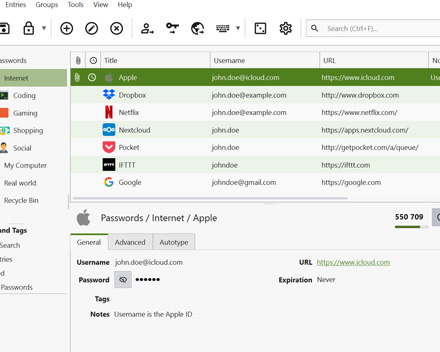 KeePassXC, an offline password manager with no cloud sync, for those who prefer local-only storage
 Threat modeling, helps clarify whether cloud sync or local storage is the right tradeoff for you
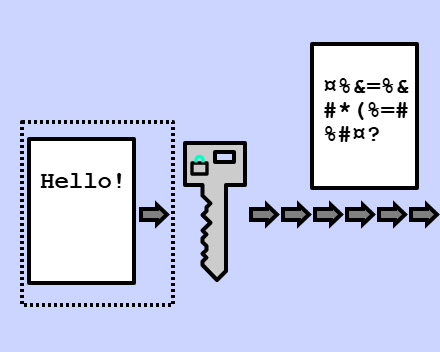 Encryption, the technology protecting your vault