Explainers
What a Catch-All Email Address Is and Why It Helps
A quiet privacy tool that lets you trace spam back to its source
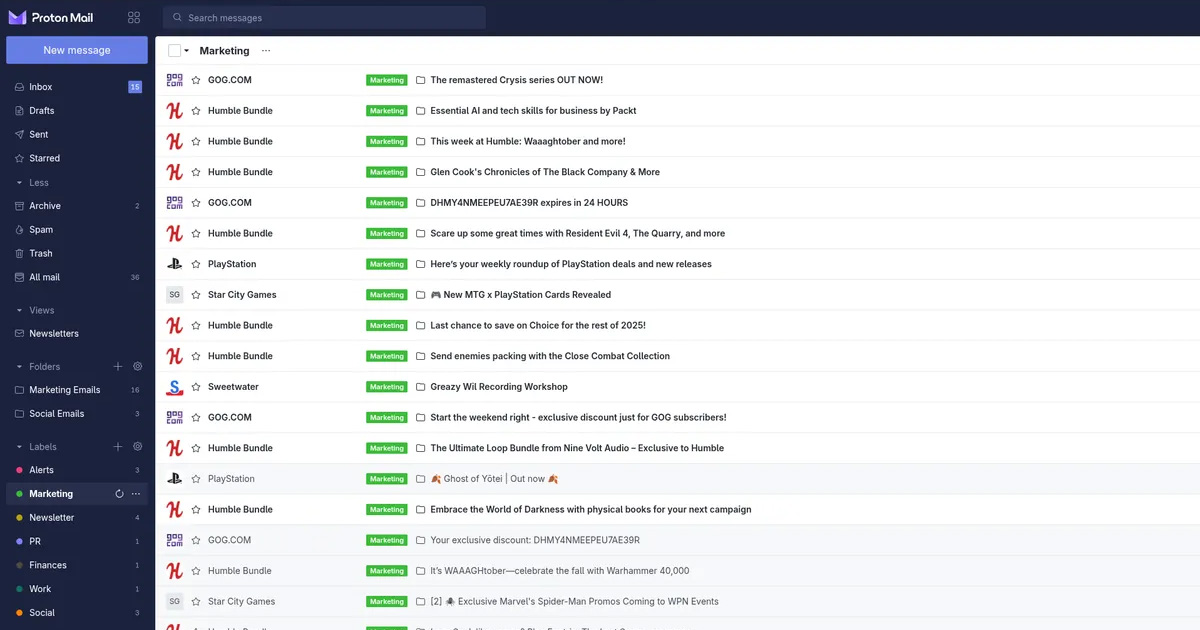
Every service gets its own address. If one leaks, you close it and move on.
Most people sign up to websites using their main email address. Over time, that address ends up in dozens of databases, some of which get breached or sold. When spam arrives, there is no way to tell which service was responsible.
A catch-all email address is a different approach. Instead of giving every website your real address, you give each one a unique address that forwards to your inbox. You keep one inbox. The websites each see a different address. If spam starts arriving at one of those addresses, you know exactly which service was the source, and you can disable that address without touching anything else.
How it works
The core idea is that you own a domain (a web address like yourname.com) and set it up so that any email sent to anything@yourname.com arrives in your inbox. You could give shopping@yourname.com to a retailer, newsletter@yourname.com to a publication, and account@yourname.com to a bank. They all arrive in the same place, but each service only sees the address you gave it.
If the retailer's database gets breached and you start receiving spam at shopping@yourname.com, you disable that specific address. The spam stops. Your main inbox is untouched. Everything else continues working normally.
You do not need to own a domain to do this. Services like SimpleLogin, which is owned and operated by Proton, provide the same functionality without requiring any technical setup. You create aliases, one per service, and SimpleLogin forwards the mail to your real inbox. You can reply through SimpleLogin too, so the recipient only ever sees the alias.
What Proton offers
Proton acquired SimpleLogin in 2022. SimpleLogin remains a standalone service with a free tier, and it connects directly with Proton Mail if you use that as your inbox. Aliases created in SimpleLogin forward to your Proton inbox, and you can reply using the alias so your Proton address stays hidden from the recipient.
SimpleLogin's free plan allows up to 10 aliases. The paid plan, or a Proton subscription, removes that limit and adds features like custom domains. If you are not a Proton user, SimpleLogin works with any inbox.
Proton Mail also supports catch-all on custom domains for subscribers on Proton Unlimited or higher. This means you can point a domain you own at Proton and receive mail at any address on that domain, without creating each alias in advance.
The difference between catch-all and aliases
A pure catch-all receives everything sent to your domain, including typos and guesses from spammers. An alias-based approach, like SimpleLogin, only forwards mail sent to addresses you have specifically created. Aliases give you more control because unrecognised addresses are simply not delivered.
For most people, an alias service is the more practical starting point. You create an alias when you need one, disable it when you no longer want it, and keep a clear record of which alias belongs to which service.
What this does not protect against
Email aliasing reduces exposure from data breaches and spam. It does not encrypt the content of your emails in transit between the aliasing service and your inbox unless you are using an end-to-end encrypted service like Proton Mail. It also does not prevent a service from linking your alias to your identity through other means, such as payment details, device fingerprinting, or IP address, if those are also shared with the same service.
It is a tool for compartmentalisation, not for anonymity. It works best as one layer alongside other habits, like using different passwords for each service and being selective about what personal information you provide at signup.
A practical way to start
You do not need to move everything at once. SimpleLogin's free tier gives you ten aliases, which is enough to try the approach with the services you trust least. Create one alias for the next website you register with and see how the workflow feels.
Over time, you build a record of which alias belongs to which service. If one starts receiving spam, you know immediately where it came from.
Suggested next step
Sign up for SimpleLogin and create one alias for the next website you register with.